VeinViewer® Vision2
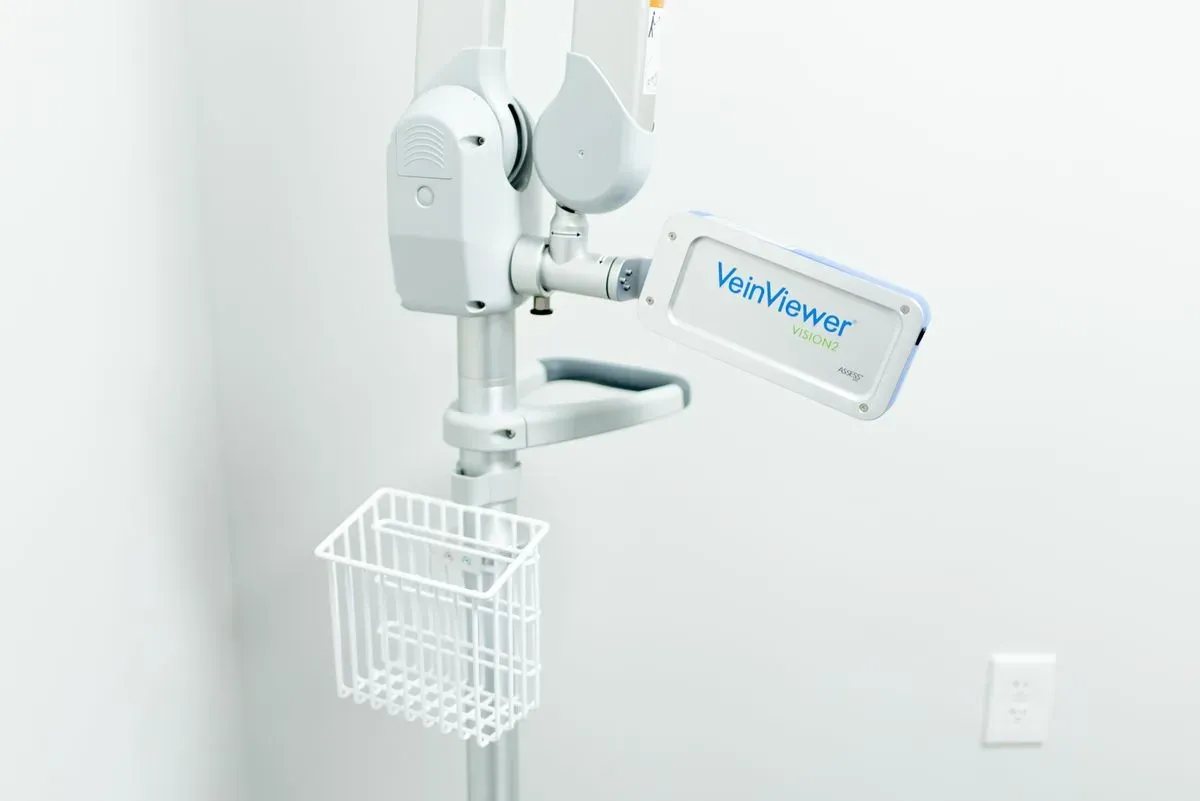
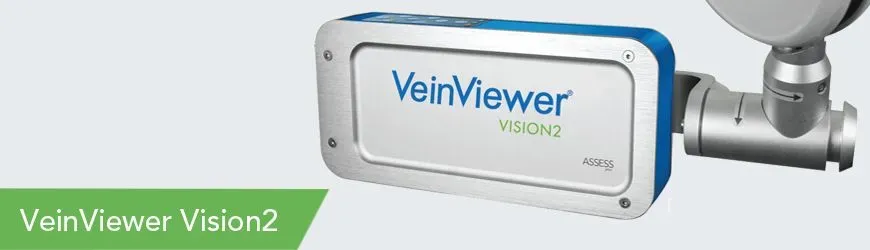
VeinViewer Vision2 is the most advanced model of VeinViewer. Its MaxReach capabilities allow head-to-toe patient assessment without requiring the user to re-position the base of the unit.
VeinViewer Vision2 is hospital durable and designed for facility-wide use. Its articulating arm and flexible wrist joint make VeinViewer Vision2 easy to maneuver and position. Place VeinViewer Vision2 at the bedside and using just a couple of fingers move the head of the unit to assess a patient head-to-toe. There is no need to re-position the device.
And VeinViewer Vision2 offers more customization options than any other vascular imaging device. With VeinViewer Vision2 a clinician can: change the colour of the projected image, invert or re-size the image, enhance the image using the fine detail mode, increase or decrease the image brightness or take and store a PNG file of the image. The advantage of all this customization is that the clinician can choose which mode provides the best image for them, and which mode provides the best image of their patient’s vasculature.
How does it work
Using NIR Technology
With HD imaging and exclusive Df2 (digital full field) technology, VeinViewer is the only vein illuminator that provides benefits for all patients during the entire pre, during and post vascular access procedure.
Projected near-infrared light is absorbed by blood and reflected by surrounding tissue. The information is captured, processed and projected digitally in real time directly onto the surface of the skin. It provides a real time accurate image of the patient’s blood pattern.
VeinViewer patented technology, using AVIN™ (Active Vascular Imaging Navigation), allows you to see blood patterns up to 15mm deep and clinically relevant veins up to 10mm. With VeinViewer clinicians can see peripheral veins, bifurcations and valves and assess in real time the refill/flushing of veins. With visualization pre, during and post procedure, clinicians can potentially avoid complications from accidental puncture.
Features
ASSESS Imaging Suite
VeinViewer Flex comes standard with the full ASSESS™ Imaging Suite:
Universal
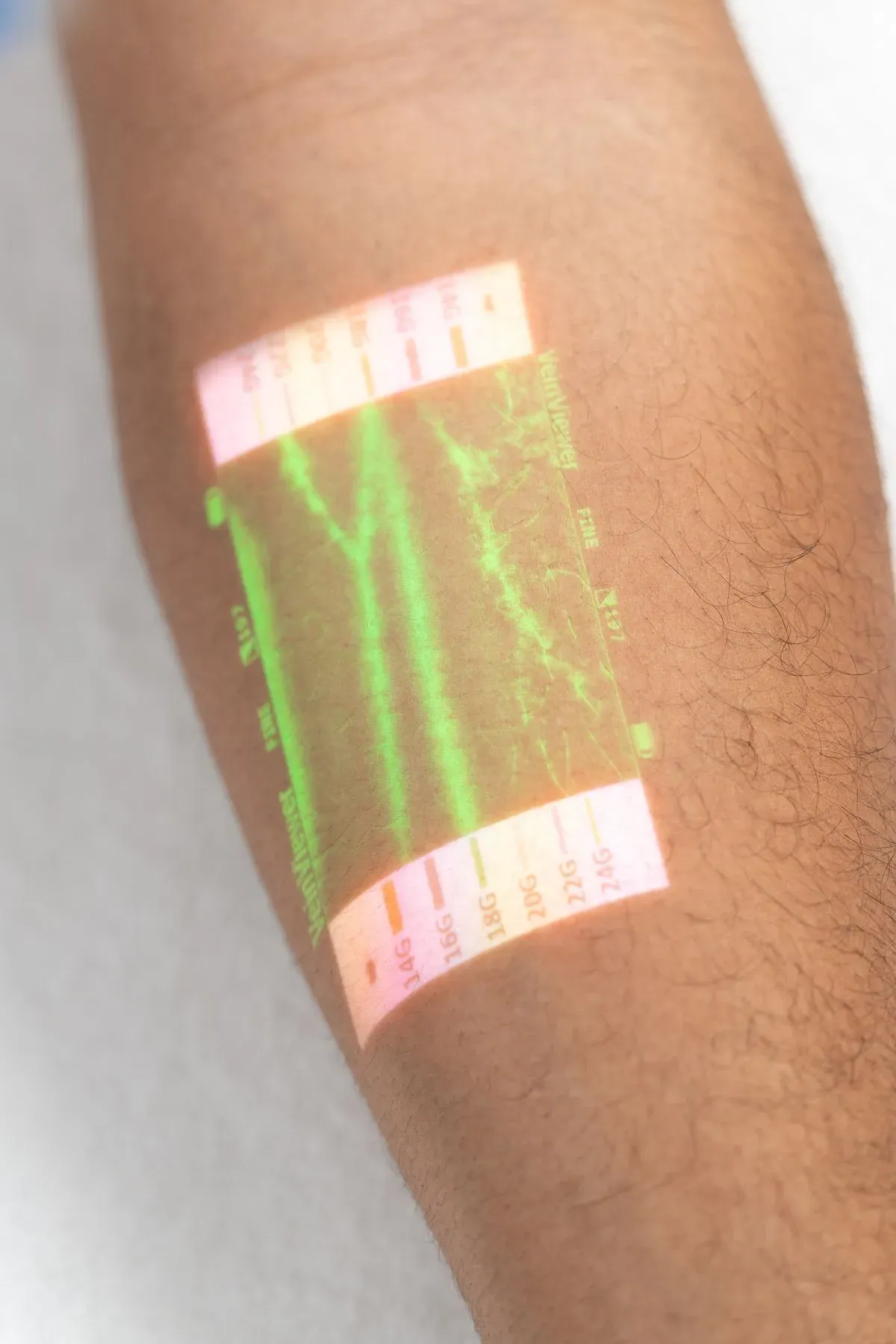
A benefit for all your patients. The brightest and most accurate direct-projection, baseline mode available. Ideal for minimizing surface structures such as hair and wrinkles.
Fine Detail
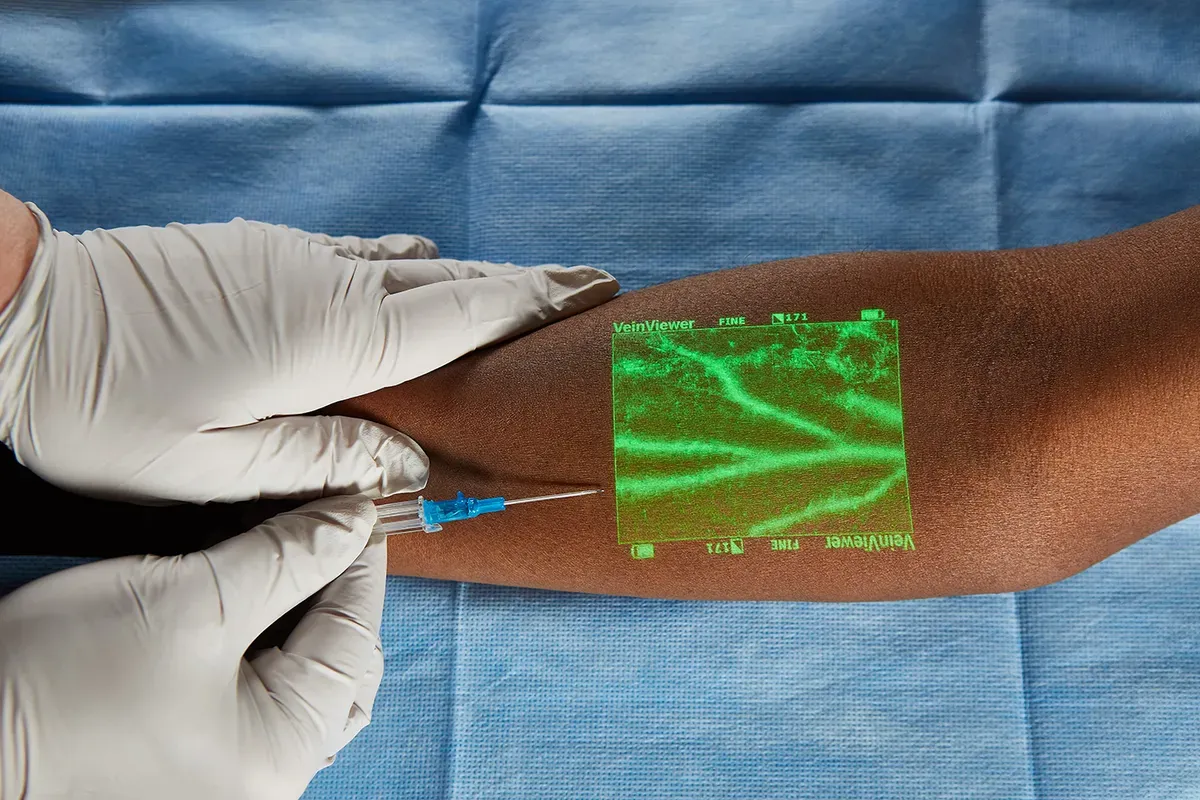
HEnhances finer structures, ideal for identifying small veins in paediatric or sclerotherapy patients.ere is some content for this service
Inverse
Allows you to switch colors within the image window. This unique feature assists clinicians in customizing the projected image based on factors such as skin tone, density of hair follicles and room brightness.
Resize
Allows you to choose one of three window sizes, a valuable feature for paediatric patients or when you need to focus on only one vessel.
MaxBright
Increases our market leading image brightness by another 40% for scenarios where greater than standard ambient lighting.
Image Capture
Allows the user to take and store up to 200 static images of patient vasculature on the device and transfer them to a PC for integration to HIS/RIS/PACS. Excellent for documentation of vascular access site pre and post access, for setting expectations with aesthetics patients, and demonstrating outcomes.
Features
ASSESS Image suite features
Universal
Fine Detail
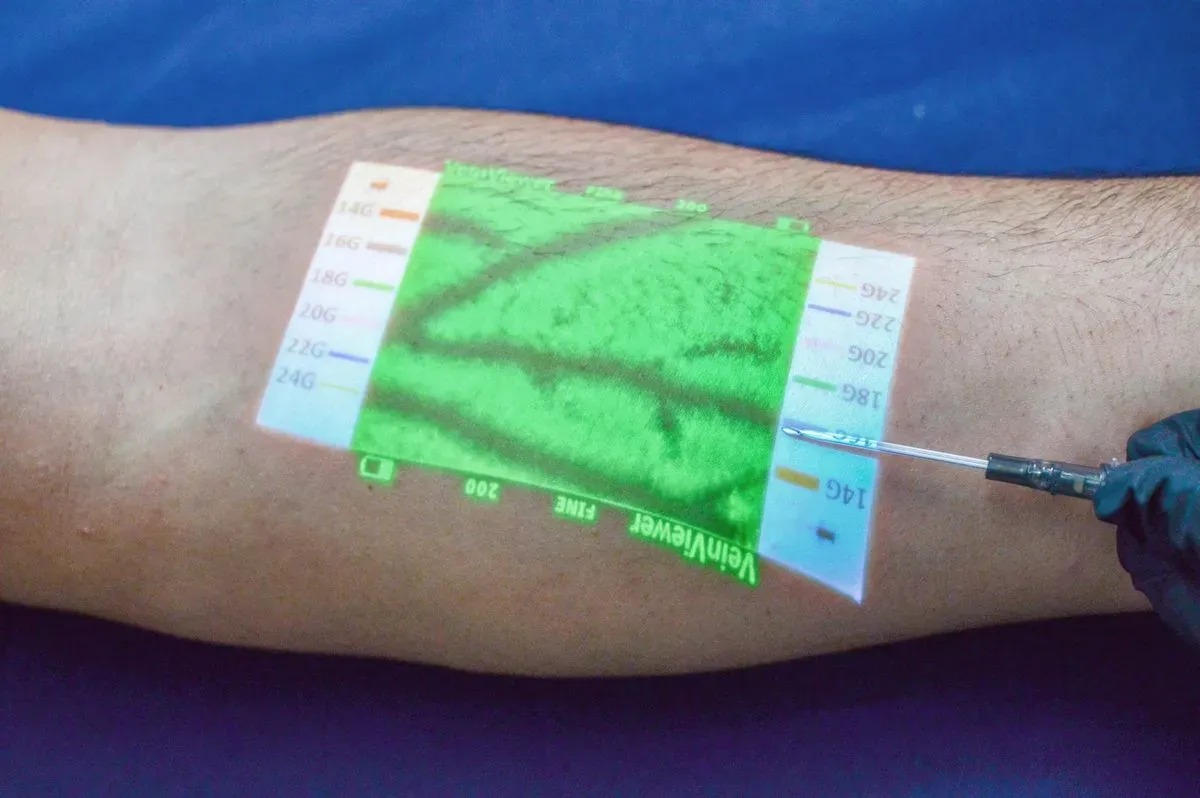
Inverse
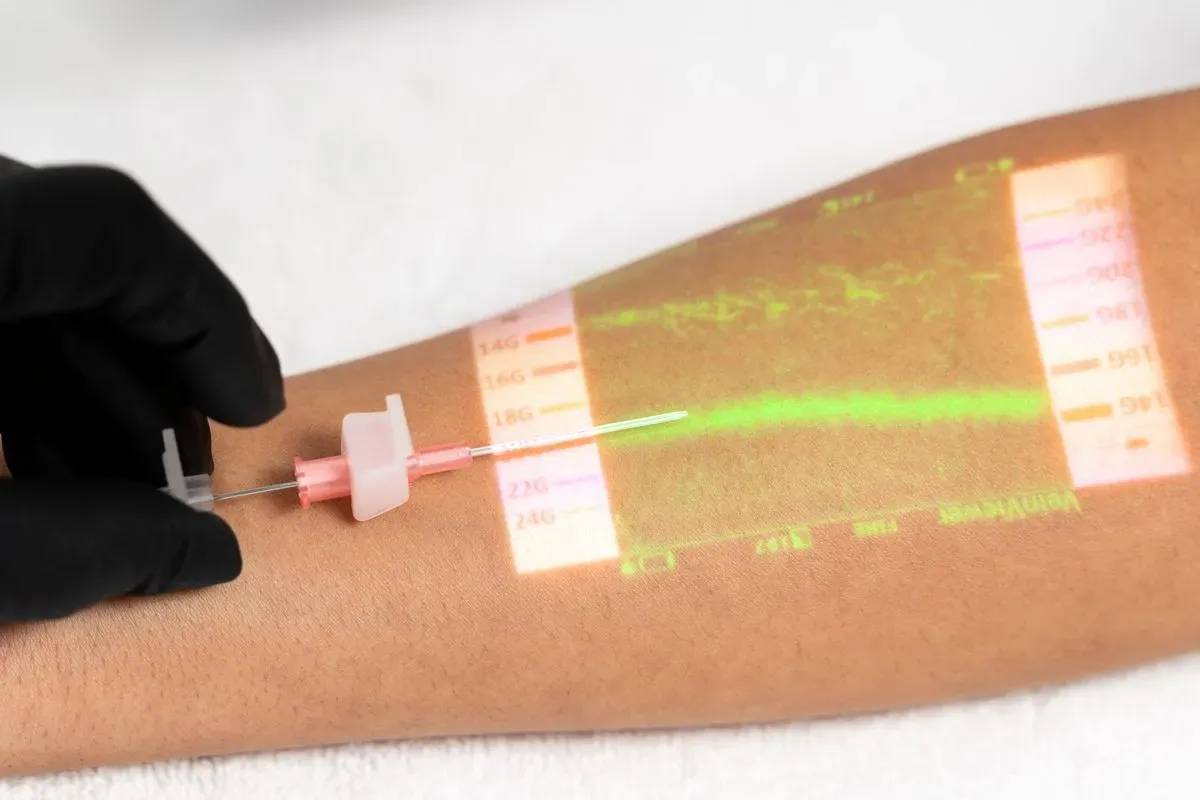
CathCompass
VeinViewer Vision2 Available Accessories
Fast-swap rechargeable Lithium Ion Battery* Up to 2 hours continuous run time per battery.
Battery Charger can be powered via AC power or car charger AC
Storage basket for any additional items used
Power Cord to be plugged into an outlet.
VeinViewer Connect PC Software to install the software that allows Vision2 to interface with your PC.
USB CableFor connection to VeinViewer Connect
PC software.VeinViewer Vision2
Product Training VideoGuide for using VeinViewer Vision2.